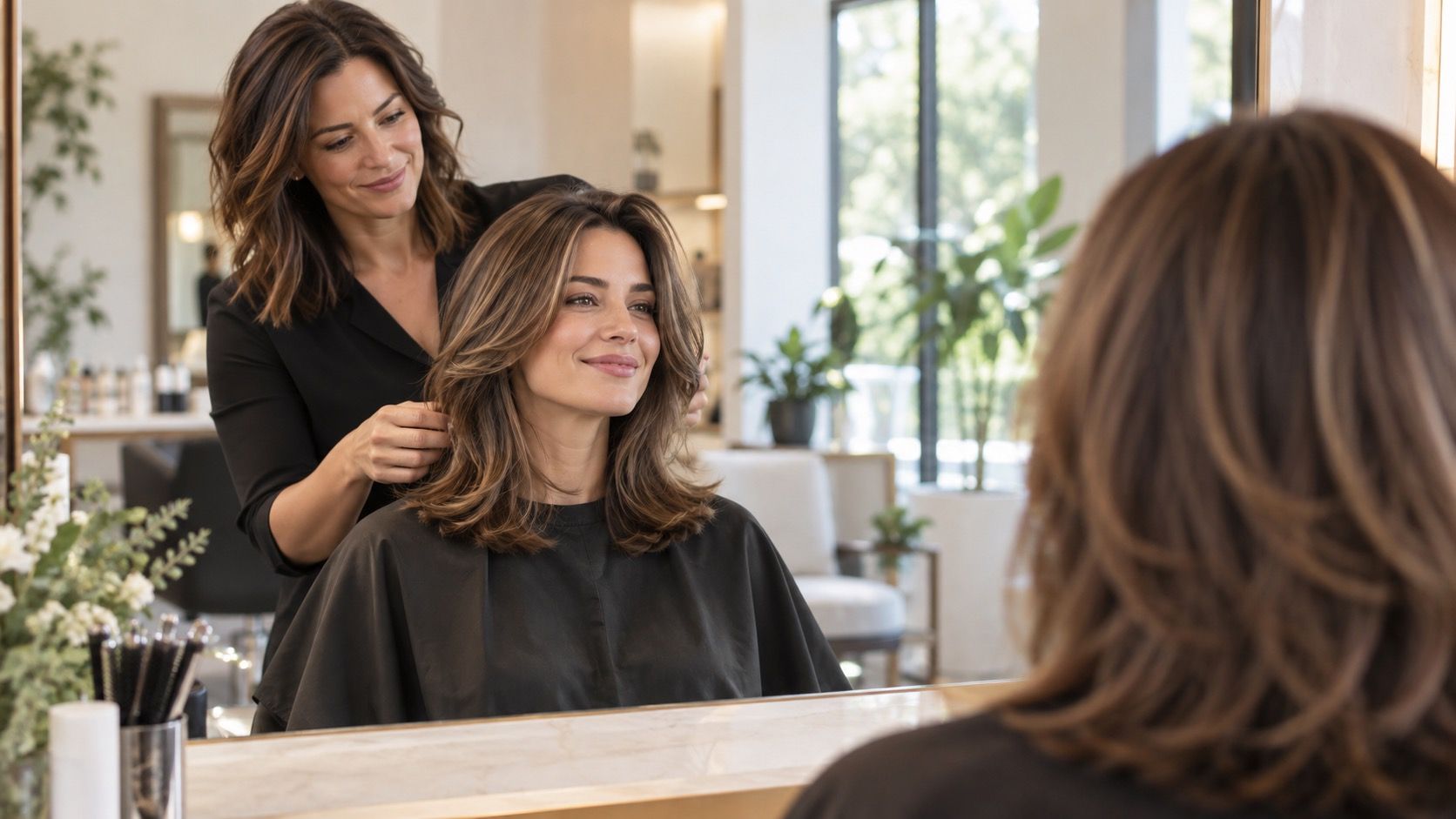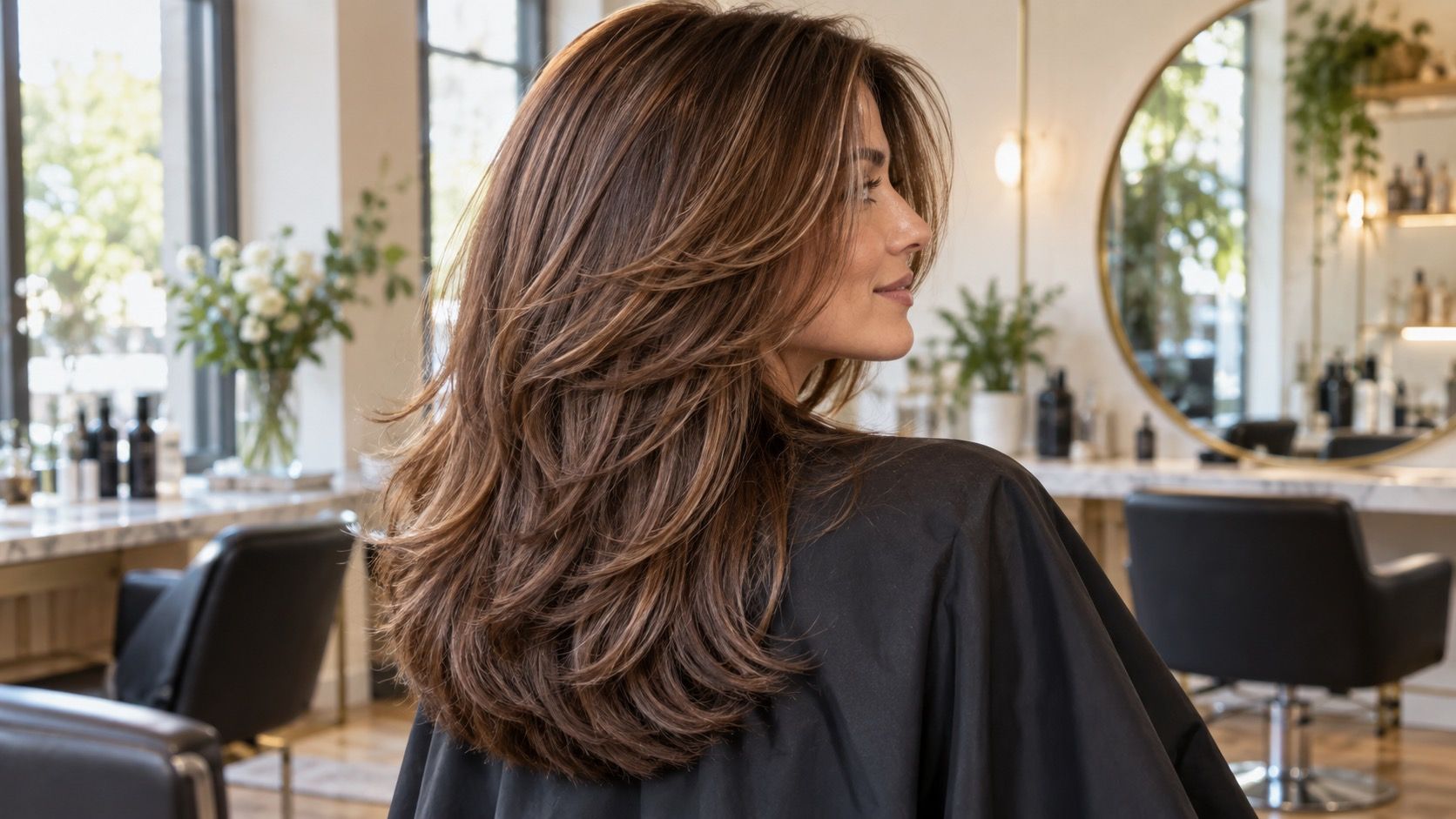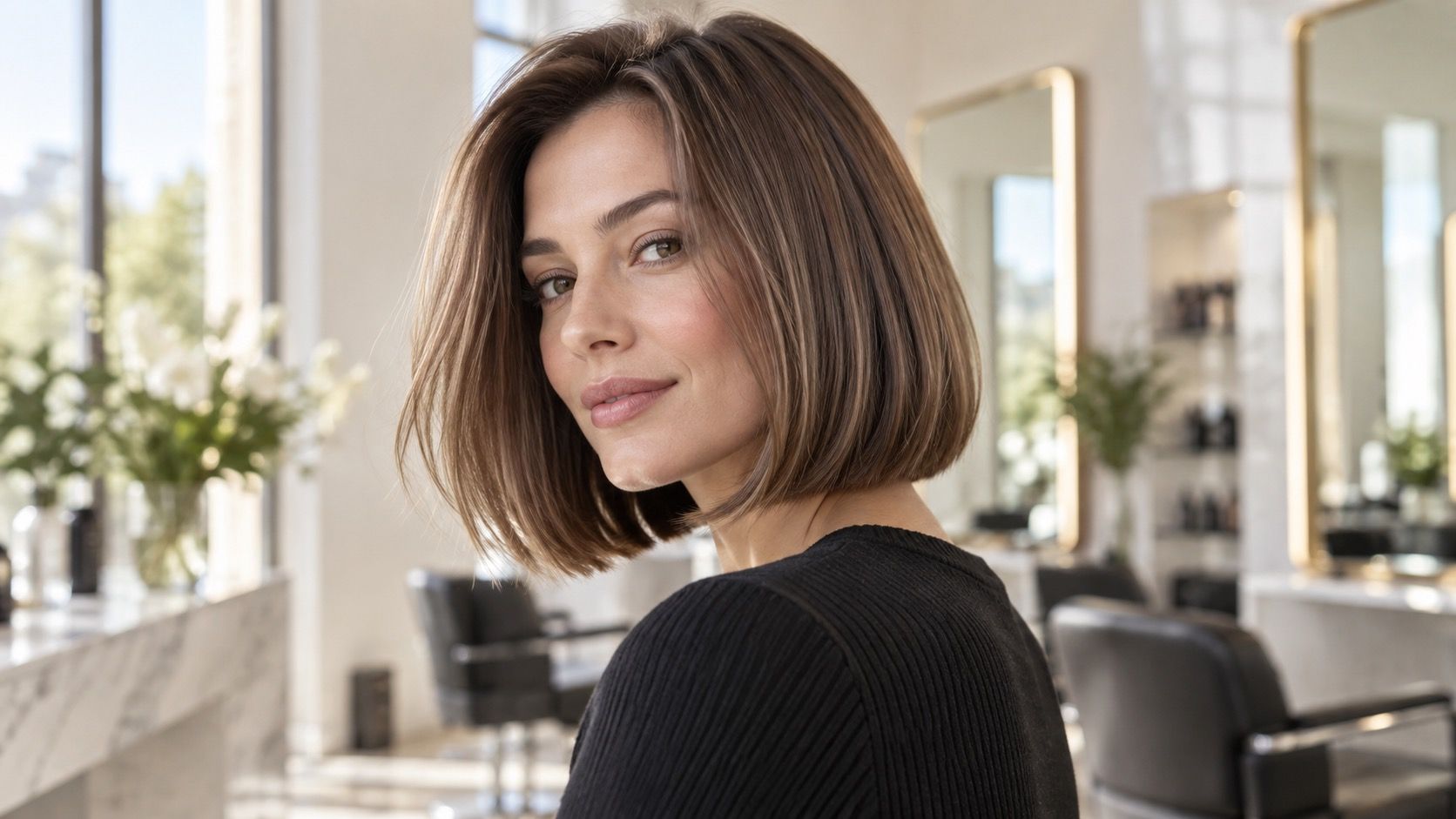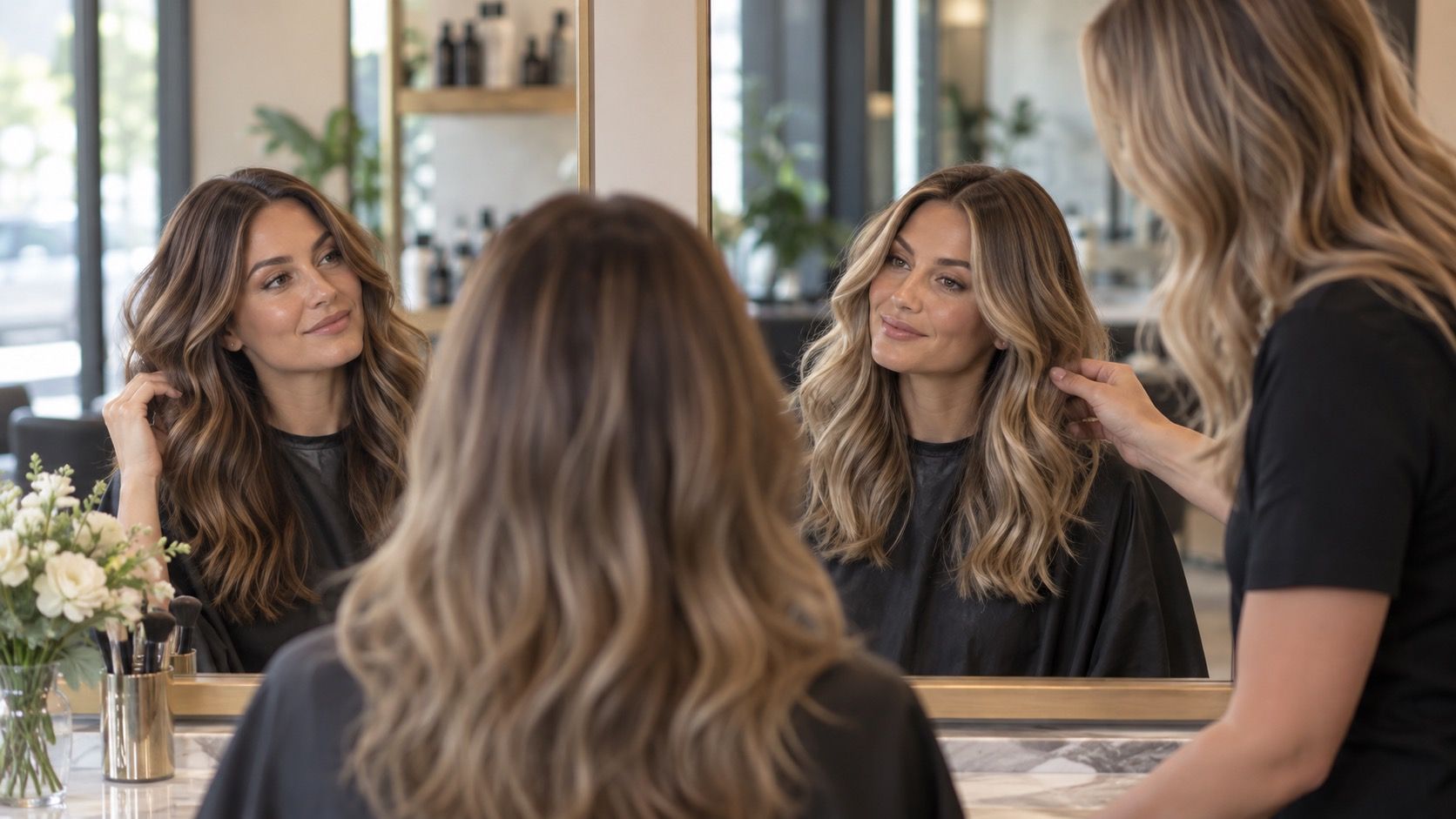
A virtual hair color try-on can be a useful rehearsal, especially when choosing between directions that feel far apart: soft brown, copper, cool blonde, or near-black. It is not a dye test. Think of it as a way to notice contrast, warmth, and the mood of a shade before a salon appointment—not as proof that a box color will look identical in your bathroom mirror.
Use a preview to choose a direction, not a formula
The best virtual hair color try on tools are strongest when the question is broad. Does a cool medium brown make your eyes look clearer than warm caramel? Does a muted beige blonde feel more natural than a bright gold blonde? Those are visual comparisons a simulator can make surprisingly well, because the difference in temperature and depth is large enough to survive an imperfect cutout.
Take the photo before you start changing colors
They become much less dependable when the decision is tiny. A preview cannot reliably tell you whether a real result will be a level six ash brown rather than a level seven dark blonde, or whether a toner will fade neutral after four washes. Hair porosity, old color, grey percentage, and the amount of lift possible all matter in the chair. Save the virtual image as a reference for the shade family, then let a colorist translate it into a realistic route.
Try three directions rather than fifty isolated colors: one close to your current base, one slightly lighter or darker, and one bolder alternative. Looking at a small set side by side makes the real pattern easier to see. If every cool option gives your face a calmer outline, that observation is useful even if none of the generated strands is perfectly convincing.
A hair color try on is only as honest as the photograph underneath it. Stand facing a window in indirect daylight, with the light falling evenly across both sides of the face. A plain wall is better than a bright patterned room because the camera has less to correct. Keep the phone at eye height and avoid portrait-mode blur; blurred edges make an app invent too much hair around the jaw and neck.
Use hair that is dry, down, and close to its usual styling. A slick bun hides the root, while heavily curled hair turns every simulated shade into a ribbon of highlights that may not exist in daily life. If your hair is naturally darker at the nape or has faded lengths, take a second photo from a slight angle. The front view helps with skin tone; the angled view helps you judge whether the depth still makes sense through the ends.
Turn off beauty filters and choose a neutral camera setting. A filter that smooths skin, whitens teeth, or warms the background is already changing the comparison before the virtual color appears. If the image looks unusually golden or unusually blue, correct the white balance only enough to resemble the room. The goal is ordinary lighting, not a flattering portrait.
Compare shade families under more than one kind of light
After making a daylight version, repeat the same hair color simulator test with a photo taken under your usual indoor light. This is where many surprises appear. Copper and honey shades often look gentle in bright daylight but much stronger against warm kitchen bulbs. Ash brown can look polished near a window and flat under cool office LEDs. Neither photo is the truth by itself; together they show the range you will actually live with.
Look first at the relationship between hair and skin, not at the app's glossy shine. Ask whether the shade makes redness, under-eye shadow, or uneven skin tone more obvious. Then look at the root area. A very light preview may look attractive through the lengths but create a harsh line at the scalp if your natural root is deep. A slightly darker version with a visible root transition is often the more wearable choice.
| What you see in the preview | What it can suggest | What still needs a real consultation |
|---|---|---|
| Warm versus cool overall effect | Whether undertone feels harmonious or overpowering | Exact toner, dye formula, and fade pattern |
| Light versus dark contrast | How much depth changes the face and brows | How much lift damaged or previously colored hair can take |
| Root-to-length difference | Whether a soft root might suit the idea | Placement, blending method, and maintenance schedule |
Notice the mistakes that make every result look better than real life
The most common mistake is judging a color on an edited selfie. A saturated photo can make a bright red or platinum blonde look dramatic in a pleasing way, while hiding the fact that the skin has also been brightened and smoothed. Another mistake is accepting the app's perfectly even blanket of color. Most salon work has a root, a little depth, and slightly different reflect through the lengths. That variation is not a flaw; it is often what keeps the color believable.
Do not treat the hairline as a minor detail. A virtual tool may paint color over baby hairs, brows, ears, or the shadow at the temple. Zoom out before deciding. From normal conversational distance, the important question is whether the whole face reads balanced. If the look only works when you inspect a glossy close-up, it may be a fun image rather than a good everyday color plan.
Screen settings can mislead too. Compare on the same phone with night mode off, then view the image once on a second screen if possible. A display with a very warm setting can make cool blonde seem dull; a high-saturation display can make mushroom brown look artificially rich. The differences are a reminder to keep conclusions modest.
Turn the virtual result into useful salon language
Bring two or three saved references, including one version you dislike. The contrast is often more informative than a single favorite. Instead of saying, “I want this exact app color,” describe what the image helped you identify: “I prefer the cooler brown over the golden one,” “I like this depth but not the solid root,” or “I want brightness around the face without looking blonde all over.”
Mention your color history plainly. Permanent dark dye, henna, highlights, frequent heat styling, and recent toning can all change what is possible. A preview does not know that the ends have three years of old color or that the front pieces lift faster. A good consultation joins the visual preference from the image with a strand test, the current condition of the hair, and the amount of upkeep you genuinely want.
For a virtual hair colour try on that feels productive, leave with a decision about direction and maintenance. You may decide that a soft neutral brunette with a brighter face frame is better than a dramatic all-over change, or that the bright blonde image belongs on a future inspiration board. That is not a failed preview. It is exactly the kind of unnecessary surprise the tool can help you avoid.