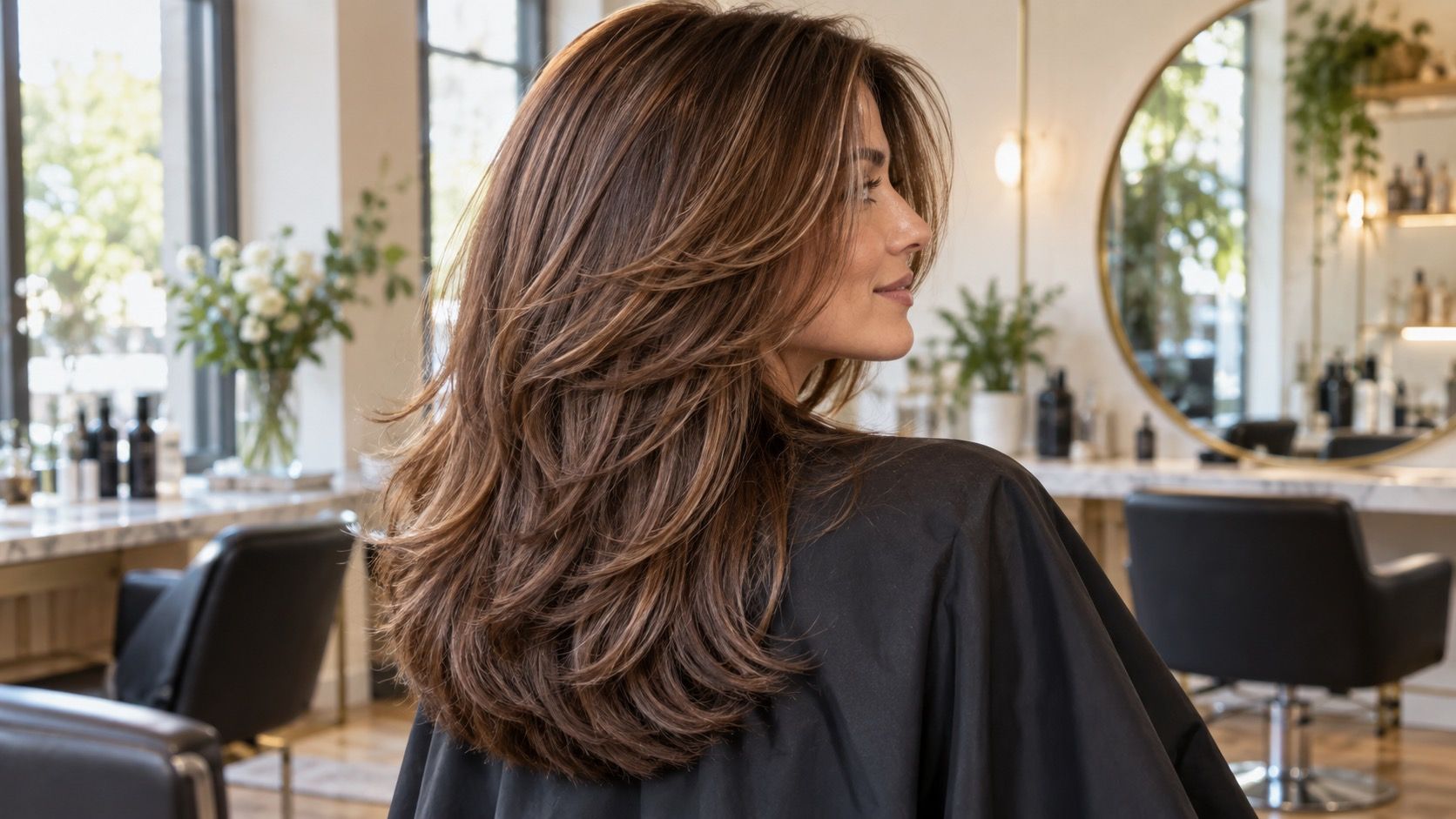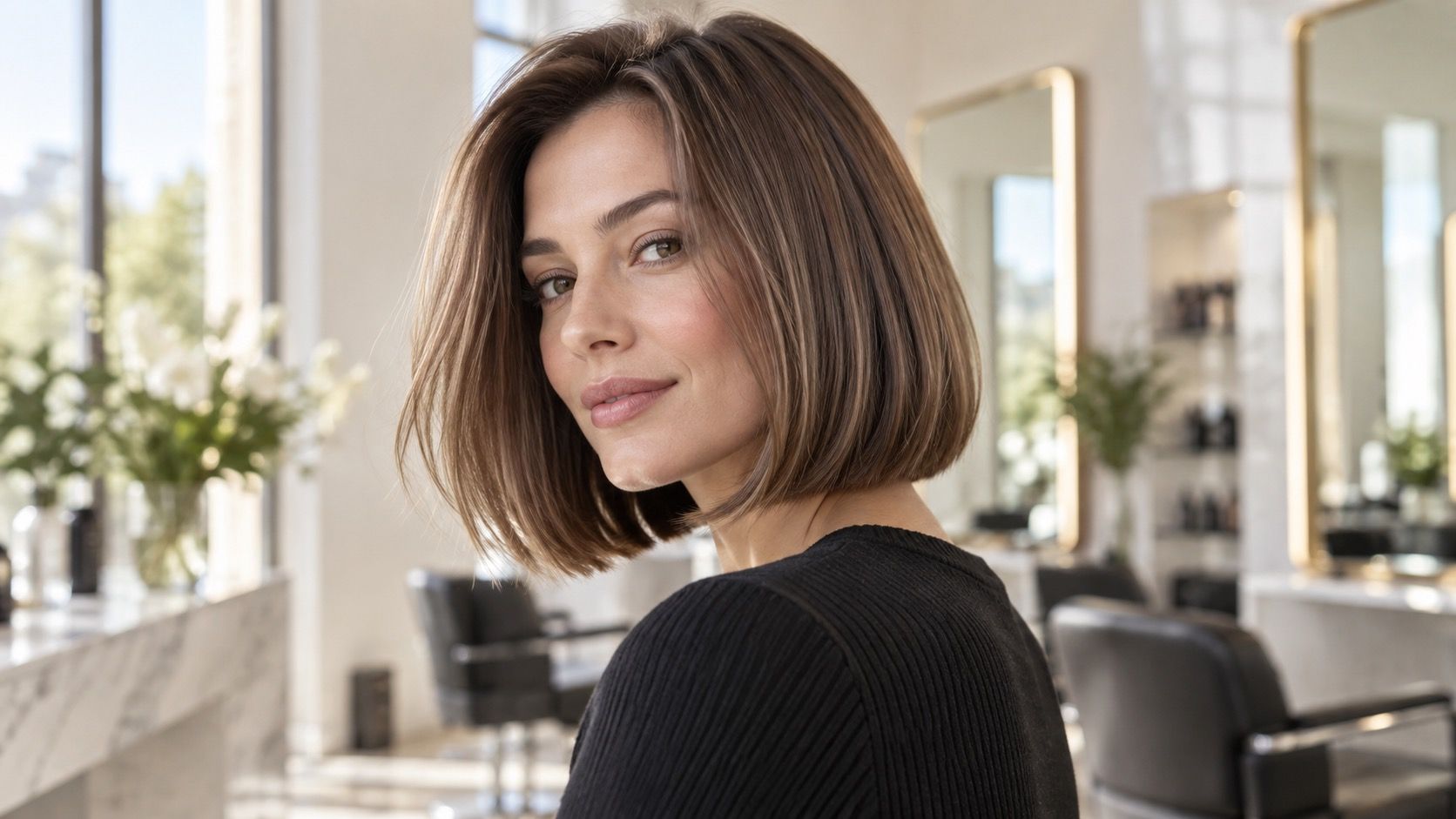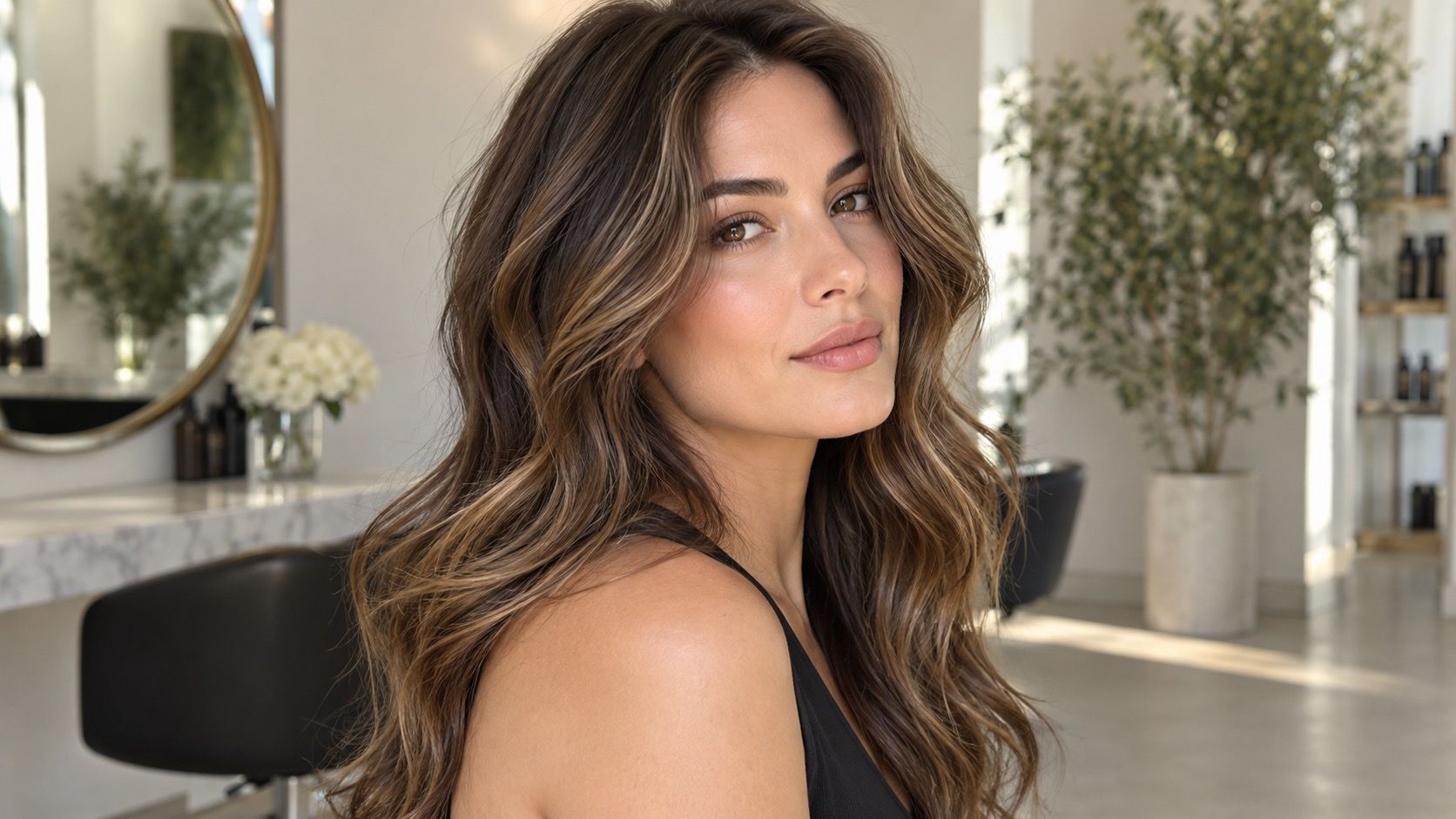
A hair color filter is good at answering a visual question that is easy to overlook in the salon: what changes when the hair around your face becomes cooler, warmer, lighter, or deeper? It cannot predict chemistry. Used with a clear photo and a little restraint, a filter can narrow a confusing pile of inspiration images into a few directions worth discussing in person.
Why a filter changes the whole image, not just the hair
Phone cameras constantly interpret color. They adjust white balance when a room is warm, raise shadows when a face is backlit, and increase saturation when a photo looks grey. A hair colour filter sits on top of those decisions. When it adds icy blonde, it may also make the skin look smoother and the background less yellow. When it adds copper, it may deepen the eyes or rosy tones in the cheeks. The result is a composite, not a controlled color sample.
Set up a test photo that gives the filter a fair chance
This explains why the same filter can look excellent in one selfie and strange in another. It is not always the simulated shade. A photo taken beside a sunny window has blue daylight in it; one taken beneath a ceiling lamp may be orange before the filter starts. The more dramatic the correction, the less useful the hair comparison becomes.
Use the effect as a prompt to look at your face more carefully. Does the shade make your natural brow color look disconnected? Does the hairline start to dominate the face? Does the skin appear quieter or does every small patch of redness become more visible? Those observations transfer better to real coloring than the exact digital hue.
Take the starting image in indirect daylight, facing a window but not standing in direct sun. Direct sun creates bright bands through the hair and dark shadows under the nose and chin, which makes a simulated color look patchy or over-dimensional. A cloudy day is ideal, though a sheer curtain can soften a bright window. Keep the background neutral and make sure both ears and the full hairline are visible.
Wear a top in a muted, familiar color rather than pure black, fluorescent pink, or bright orange. Strong clothing reflects into the jaw and can change how you read a hair color. If you usually wear glasses, take one photo with them on and one without. Dark frames can increase apparent contrast, which matters when comparing near-black, espresso, and cool medium brown.
Do not pre-edit the image. Turn off portrait smoothing, makeup effects, and automatic “vivid” modes. If you need to crop, keep enough shoulder and neck in the frame to show proportion. A hair color simulator has more trouble mapping strands when it sees only a face surrounded by a narrow halo of hair.
Read warm and cool results as directions
A practical hair color filter test starts with pairs. Compare a neutral or cool brown against a warm brown at the same apparent depth. Then compare a beige blonde against honey, or a muted strawberry against a clear copper. Keeping depth similar makes the temperature difference easier to see. If both color and brightness change at once, the image gives you too many variables to judge.
Pay attention to the places that do not receive flattering app shine: the parting, the temples, and the lower lengths. Warmth often looks most believable at the ends because real porous ends catch it first. Coolness can look elegant in the mid-lengths but severe around a very pale face if the root is rendered too dark. These are not rules; they are places where a preview tends to reveal whether an idea has enough softness.
| Test setup | Useful question | Likely limitation |
|---|---|---|
| Neutral daylight photo | Does the shade family suit the face? | Does not predict salon lift or toner fade |
| Typical indoor-light photo | Will warmth or ash look comfortable every day? | Bulbs and screens distort the hue |
| Two same-depth shades | Do warm or cool notes work better? | Filter edges may hide real root contrast |
Keep the root, shadow, and saturation in perspective
Many filters lay a smooth, saturated color over every visible strand. Real hair is rarely that uniform. The natural root may be several levels deeper, old highlights may show through, and the ends may absorb toner differently. A perfect digital block of color can make a high-maintenance shade feel easy. Before you save a favorite, imagine it with half an inch of natural root and a little less mirror-like shine.
Look for results that still make sense when you reduce saturation mentally. If a rose brown only looks good because it is intensely pink on screen, it may not deliver the same feeling in a softer salon version. If an ash brunette looks good even when the filter is subtle, the idea is more robust. This is especially useful when the goal is an everyday change rather than a one-day photo.
Do not ignore your existing base. A warm brunette can often be refreshed in a warm direction with less lifting than a cool blonde idea would require. A filter cannot show the time, cost, or condition risk behind that difference. The image is a preference map, not a promise that all choices are equally available.
Know when more testing stops helping
After a few comparisons, filters begin to create false precision. If you have tried thirty versions of beige blonde and cannot choose between them, the next answer is not another slider. It is usually a conversation about maintenance, your natural level, and whether you want to see a distinct root. Save the two images that show the clearest difference and stop there.
A useful stopping point is when you can state three things: the depth you prefer, the temperature you prefer, and the amount of contrast you can live with. For example, “medium rather than very light, neutral-cool rather than golden, and a blended root rather than solid color.” That sentence gives a colorist more usable information than a dozen screenshots from a hair color filter.
Use the final image to start a realistic consultation, not to defend a digital result. Ask what parts are feasible on your current hair, what might need more than one visit, and what the color will look like after several washes. The most valuable filter outcome is a clearer question, not an exact answer from a phone.